
1. Create an API key
In your dashboard, open Developers → API Keys and create a key. Give it only the abilities it needs: a storefront key needs checkout, not refunds.
2. Install the plugin
Download it from the WordPress plugin directory and activate it like any other plugin.
3. Paste the key
Open the gateway settings in WooCommerce and paste your key and API URL.
API URL:  https://your-domain.com/api
API key:  uddp_live_xxxxxxxxxxxx
4. Place a test order
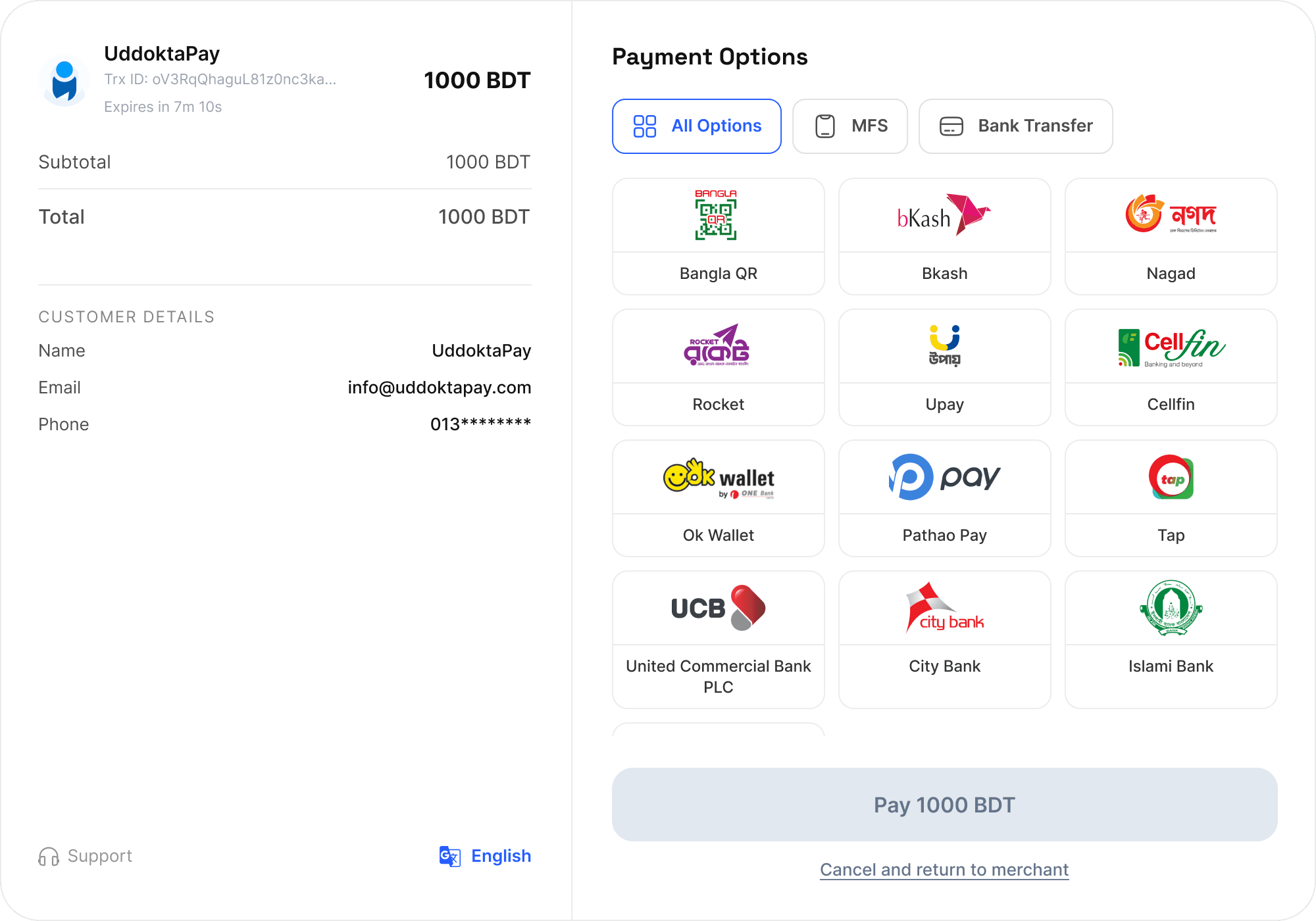
Put something in the cart and pay for it yourself. The order should appear in your dashboard and complete without anyone approving it.
The same flow works for WHMCS, Shopify, Tutor LMS, Perfex CRM and the rest of our integrations.